 Bifrost Docs
Frequently asked questions
You can download the helper functions used in this section here.
Note
These helper functions depend on numpy and scipy, which are not included in the Python standard library. Install them with:
pip install numpy scipy
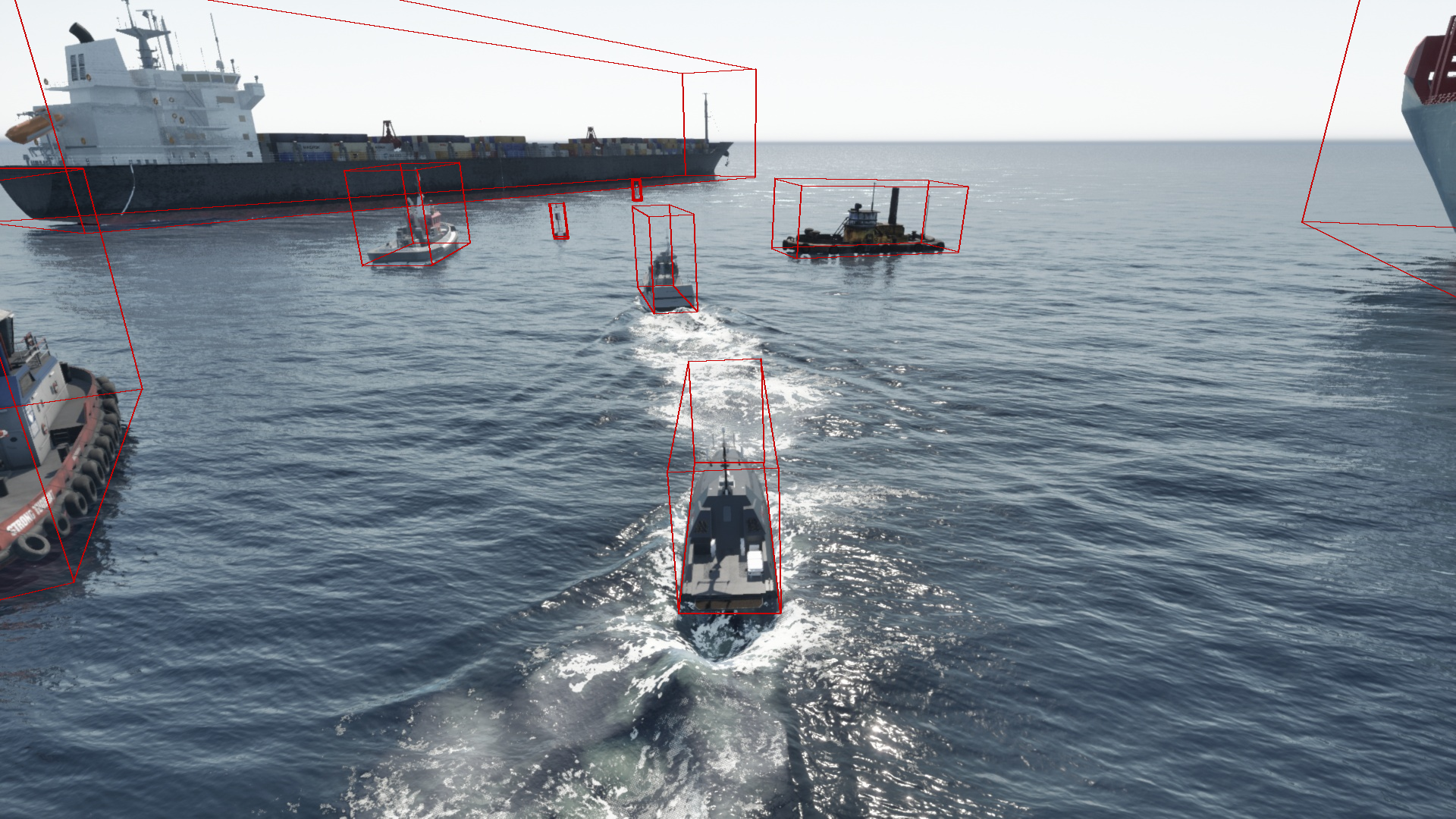
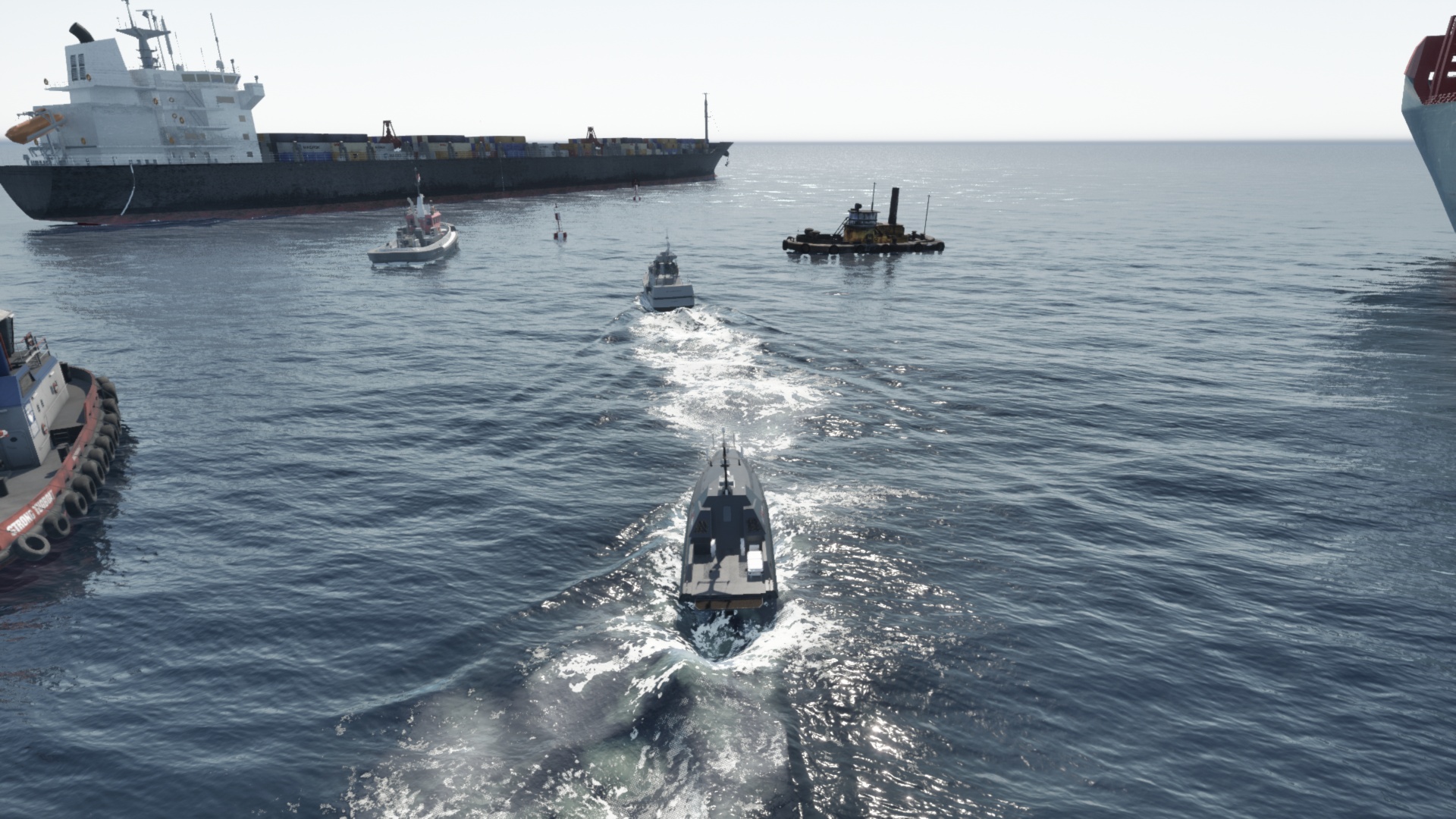
All examples below refer to the following image and its associated COCO annotation file:
Image:
Are the object level metadata relative to the camera or the world?
All object-level metadata are absolute, meaning they are defined in the world coordinate system, not relative to the camera.
For more information on the coordinate system, see Coordinate system.
Can I convert the absolute coordinates to be relative to the camera?
Yes! Absolute coordinates can be converted to be relative to any object in the world, including the camera.
To do this:
Retrieve the object’s
bifrost_absolute_position_mandbifrost_absolute_rotation_degrees.Create a
Transformobject (from the helper functions file) using those values.Use the
Transform.relative_to()method to convert its absolute transform into the camera’s local coordinate space.
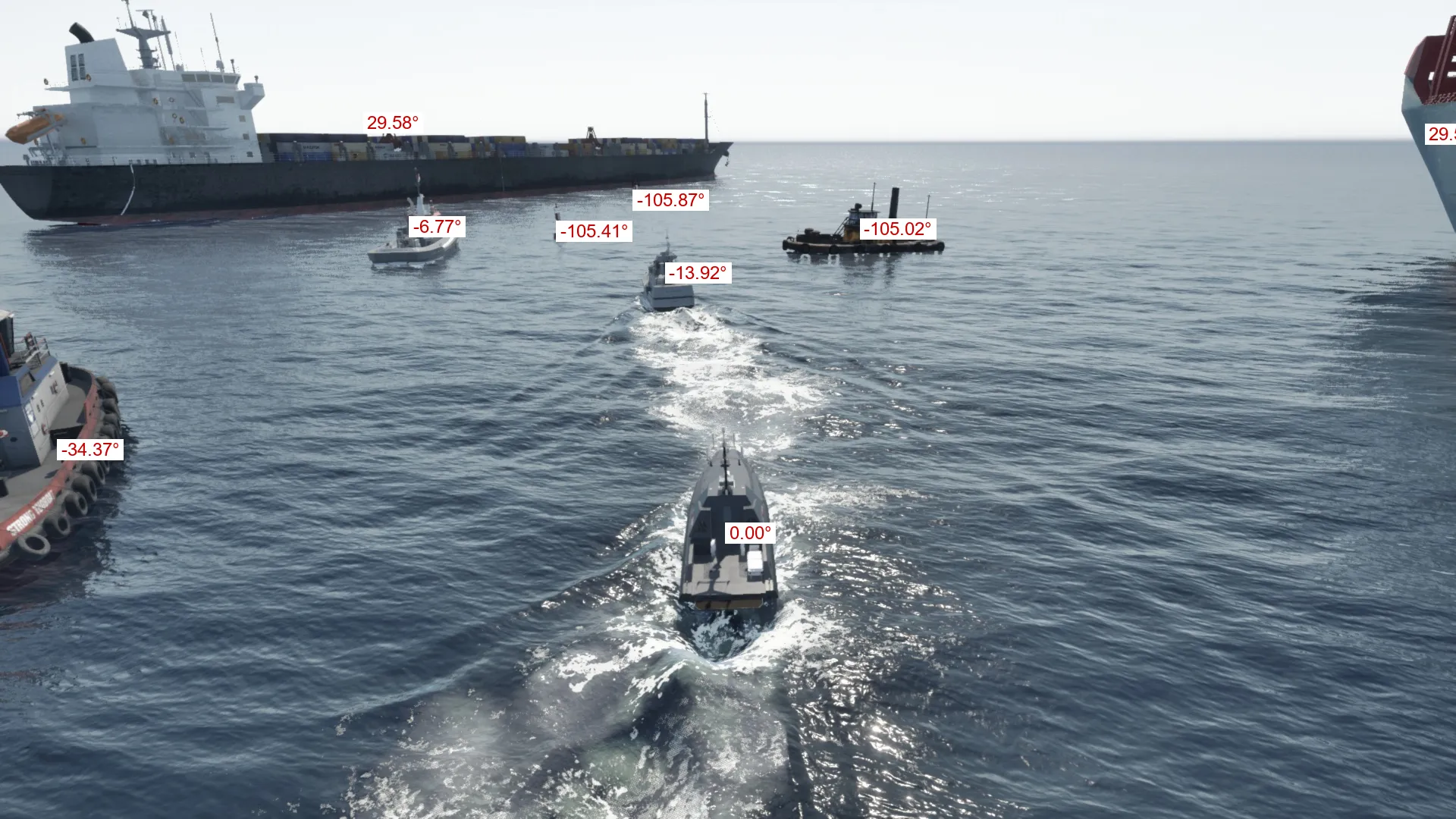
Example: plot relative yaw of objectswith respect to camera
import json
from PIL import Image, ImageDraw, ImageFont

from metadata_utils import (
    Transform,
    Vector3
)

coco = json.load(open("coco.json"))

# get image info
image_info = coco["images"][0]
img_id = image_info["id"]
img_width, img_height = image_info["width"], image_info["height"]
position_data = image_info["bifrost_metadata"]["bifrost_camera_position_m"]
cam_position = Vector3(position_data["x"], position_data["y"], position_data["z"])
rotation_data = image_info["bifrost_metadata"]["bifrost_camera_rotation_degrees"]
cam_rotation = Vector3(rotation_data["roll"], rotation_data["pitch"], rotation_data["yaw"])
cam_transform = Transform(cam_position, cam_rotation)

# get annotations of objects that are in frame
annotations = [
    ann for ann in coco["annotations"] if ann["image_id"] == img_id
    and ann.get("bifrost_metadata", {}).get("bifrost_in_frame")
]
img = Image.open("RGB_camera_0000.jpg")
draw = ImageDraw.Draw(img)

for ann in annotations:
    # get relative transform
    ann_transform = Transform(
            position=Vector3(**ann["bifrost_metadata"]["bifrost_absolute_position_m"]),
            rotation=Vector3(*ann["bifrost_metadata"]["bifrost_absolute_rotation_degrees"].values()),
    )
    relative_transform = ann_transform.relative_to(cam_transform)

    # write relative yaw
    bbox = ann["bbox"]
    center = (bbox[0] + bbox[2] / 2, bbox[1] + bbox[3] / 2)
    font = ImageFont.truetype("arial.ttf", 24)
    text = f"{relative_transform.rotation.z:.2f}°"
    text_bbox = draw.textbbox(center, text, font=font)
    bg_box = (text_bbox[0]-5, text_bbox[1]-5, text_bbox[2]+5, text_bbox[3]+5)
    draw.rectangle(bg_box, fill="white")
    draw.text(center, text, fill=(200, 0, 0), font=font)

img
How do I convert from world coordinates to screen coordinates?
Use the world_to_screen function from the helper functions file to convert a 3D world-space point into 2D screen-space coordinates.
There are two important cases to be aware of:
The function returns
Nonewhen the point lies behind the camera.The function returns coordinates outside the image bounds when the point is in front of the camera but outside the camera’s field of view.
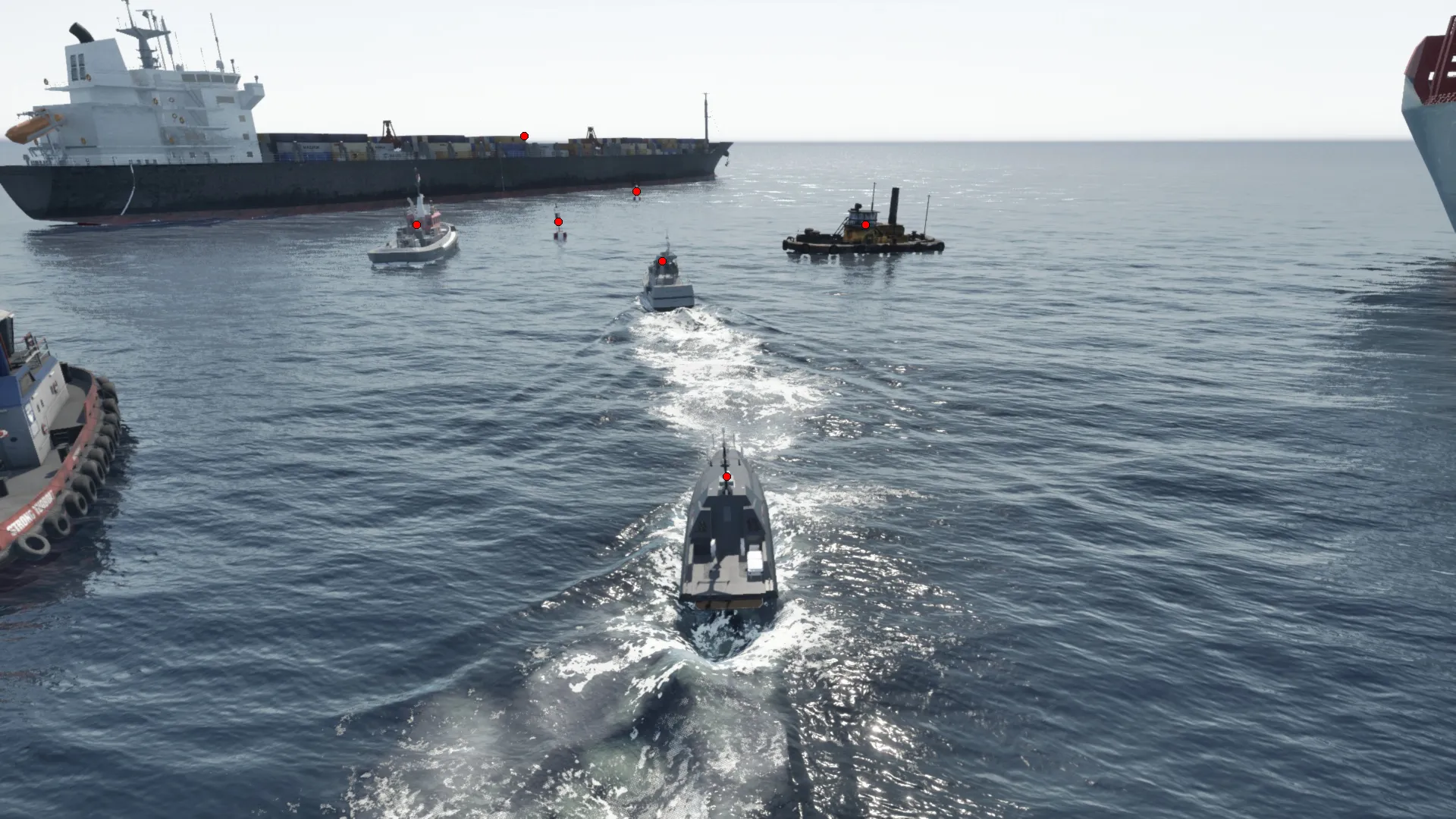
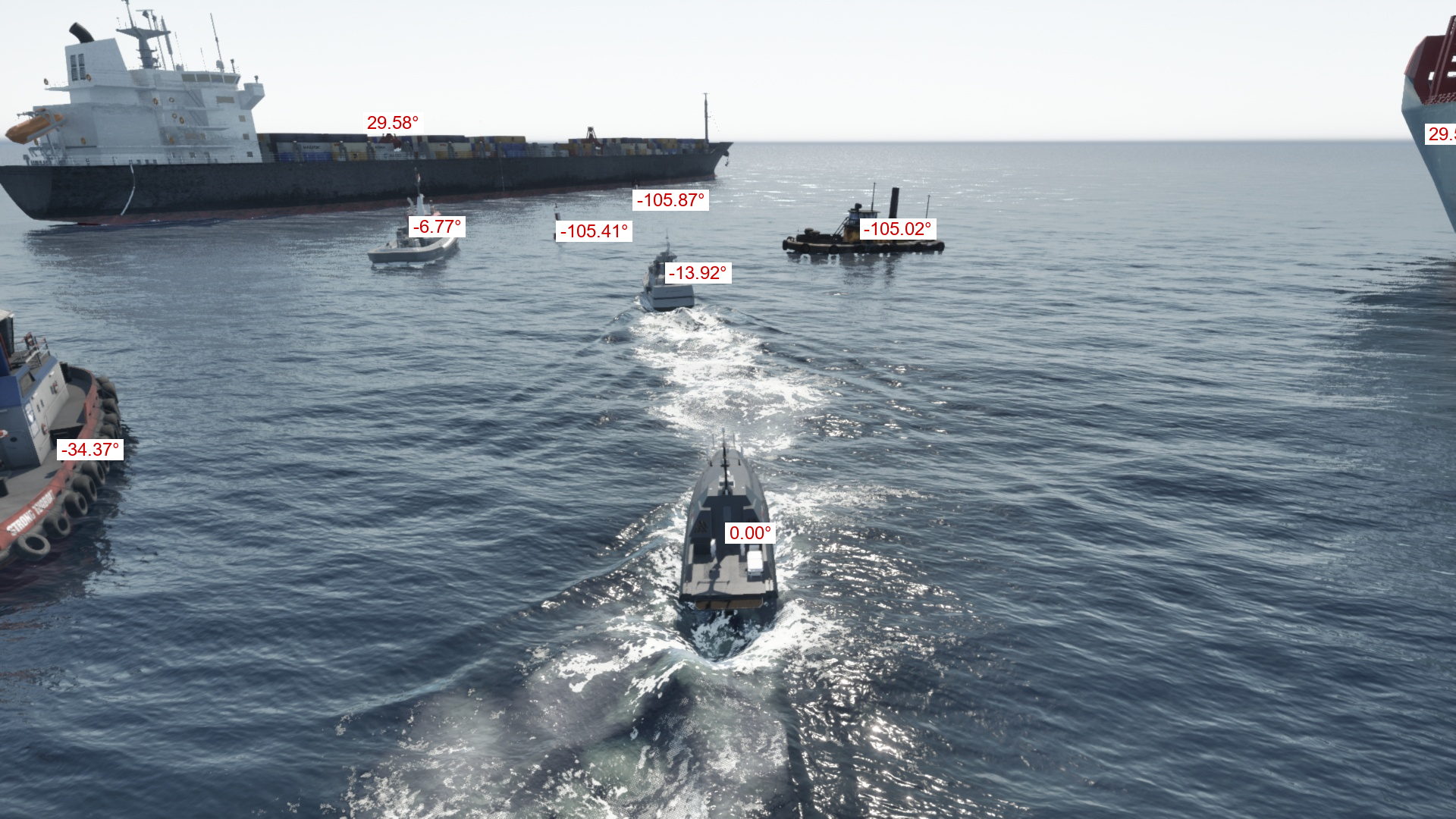
Example: plot objects’ centroids/bounding cuboids
import json
from PIL import Image, ImageDraw

from metadata_utils import (
    calculate_vfov,
    project_point_to_frustum,
    Transform,
    Vector3,
    world_to_screen
)

coco = json.load(open("coco.json"))

# get image info
image_info = coco["images"][0]
img_id = image_info["id"]
img_width, img_height = image_info["width"], image_info["height"]
position_data = image_info["bifrost_metadata"]["bifrost_camera_position_m"]
cam_position = Vector3(position_data["x"], position_data["y"], position_data["z"])
rotation_data = image_info["bifrost_metadata"]["bifrost_camera_rotation_degrees"]
cam_rotation = Vector3(rotation_data["roll"], rotation_data["pitch"], rotation_data["yaw"])
cam_hfov = image_info["bifrost_metadata"]["bifrost_camera_fov_degrees"]
cam_vfov = calculate_vfov(cam_hfov, (img_width, img_height))

# get annotations of objects that are in frame
annotations = [
    ann for ann in coco["annotations"] if ann["image_id"] == img_id
    and ann.get("bifrost_metadata", {}).get("bifrost_in_frame")
]
Plot objects’ centroid
img = Image.open("RGB_camera_0000.jpg")
draw = ImageDraw.Draw(img)

for ann in annotations:
    centroid_data = ann["bifrost_metadata"]["bifrost_absolute_centroid_position_m"]
    centroid = Vector3(centroid_data["x"], centroid_data["y"], centroid_data["z"])
    screen_coords = world_to_screen(
        centroid, cam_position, cam_rotation, cam_hfov, cam_vfov, (img_width, img_height)
    )
    if screen_coords is None:
        continue
    draw.ellipse(
        (screen_coords[0] - 5, screen_coords[1] - 5, screen_coords[0] + 5, screen_coords[1] + 5),
        fill="red",
        outline="black"
    )

img
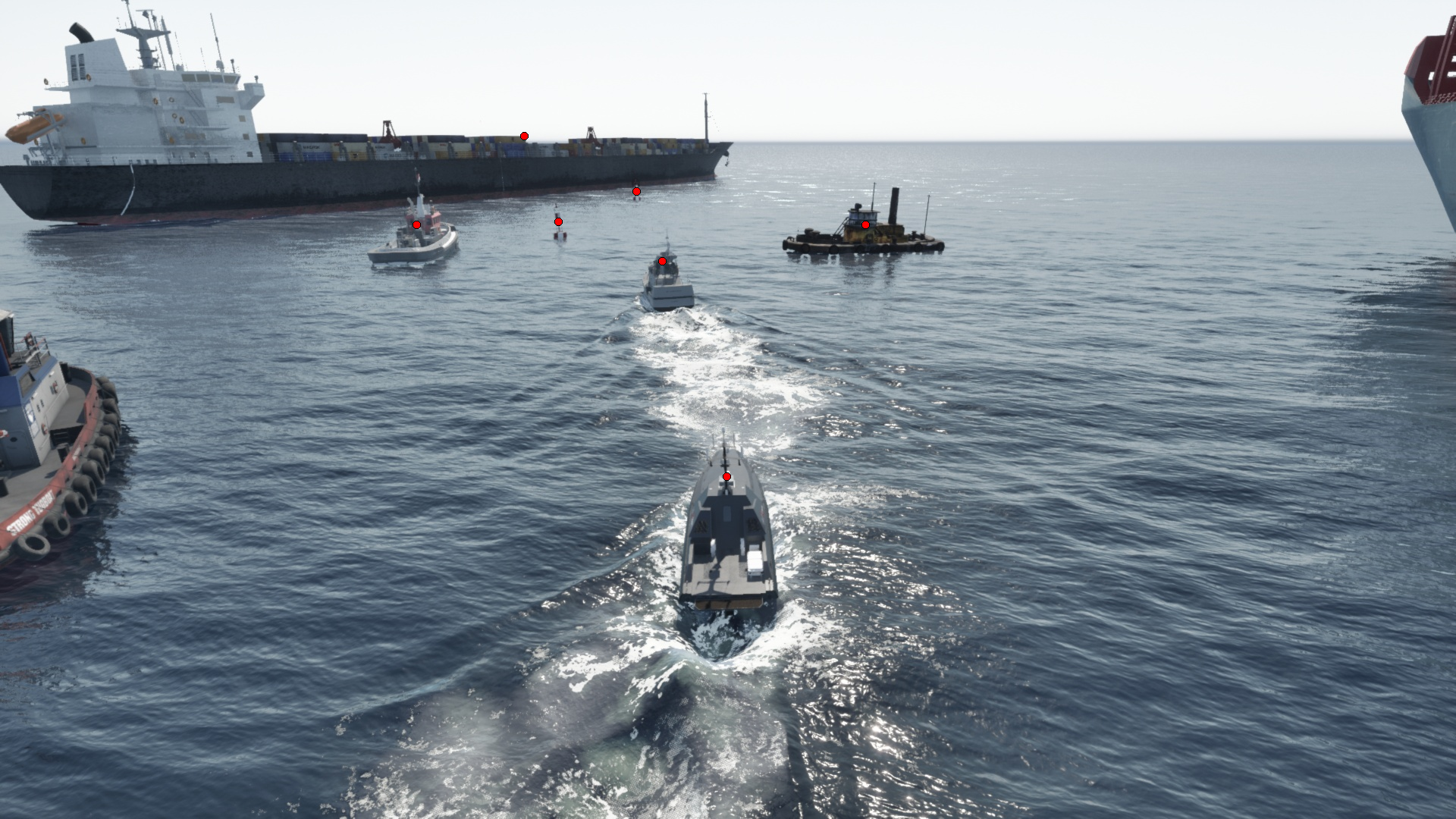
Plot objects bounding cuboid
img = Image.open("RGB_camera_0000.jpg")
draw = ImageDraw.Draw(img)

# cuboid topology: per-corner neighbours, and the 12 edges connecting them
adjacency_map = {
    0: [1, 3, 4], 1: [0, 2, 5], 2: [1, 3, 6], 3: [0, 2, 7],
    4: [0, 5, 7], 5: [1, 4, 6], 6: [2, 5, 7], 7: [3, 4, 6],
}
edges = [
    (0, 1), (1, 2), (2, 3), (3, 0),
    (4, 5), (5, 6), (6, 7), (7, 4),
    (0, 4), (1, 5), (2, 6), (3, 7),
]

for ann in annotations:
    # 8 world-space cuboid corners
    corners_world = [
        Vector3(c["x"], c["y"], c["z"])
        for c in ann["bifrost_metadata"]["bifrost_absolute_cuboid_positions_m"]
    ]

    # optional: clamp below-ground bottom corners (indices 4-7) onto the z=0 plane
    for i in range(4, 8):
        bottom = corners_world[i]
        if bottom.z >= 0:
            continue
        top = corners_world[i - 4]
        t = -bottom.z / (top.z - bottom.z)
        corners_world[i] = bottom + (top - bottom) * t

    # project each corner to screen space. off-frustum corners become None
    corners_screen = [
        world_to_screen(c, cam_position, cam_rotation, cam_hfov, cam_vfov, (img_width, img_height))
        for c in corners_world
    ]

    # re-project off-screen corners onto the frustum edge so their lines still draw
    for i, screen in enumerate(corners_screen):
        if screen is None:
            corners_screen[i] = project_point_to_frustum(
                corners_world, corners_screen, i, adjacency_map[i],
                cam_position, cam_rotation, cam_hfov, cam_vfov, (img_width, img_height),
            )

    # draw the 12 edges, skipping any with an unresolved endpoint
    for i1, i2 in edges:
        if corners_screen[i1] is None or corners_screen[i2] is None:
            continue
        draw.line([corners_screen[i1], corners_screen[i2]], fill=(200, 0, 0), width=2)

img