
 Bifrost Docs
Welcome to Bifrost
New to Bifrost? Start here.
This guide will help you get familiar with the platform and walk you through creating your first notebook.
Video Guide
Getting Around
Before we jump into the step-by-step walkthrough, let’s take a quick look around the landing page.
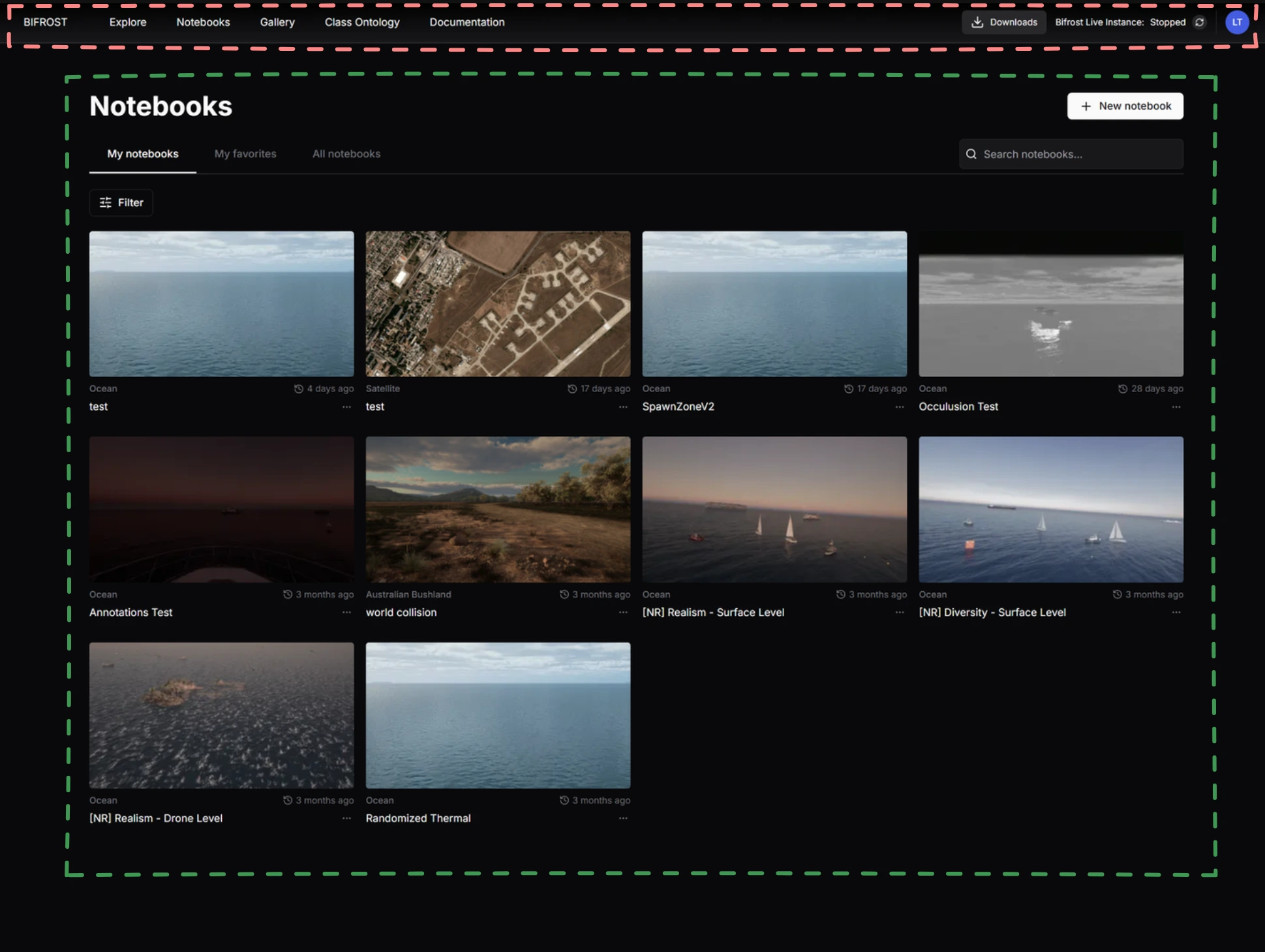
The landing page has 2 main areas:
Top Navigation Bar - Your main method of navigation. You will use this often to access the different parts of the platform.
Notebooks - This is where all notebooks are listed. You can browse your own notebooks, view notebooks shared by your organization, search for a specific notebook, or create a new one. To open a notebook, simply click its image.
That’s enough to get started. Next, let’s create and run your first notebook.